LinkedIn connection limit per day: how many requests can you safely send?
The HootDM team · 10 min read
This is the single most-asked question about LinkedIn outreach, and the honest answer is unsatisfying: LinkedIn has never published an official daily connection-request limit. Numbers circulating online — anywhere from 20 to over 100 per day — are community observations, not documented policy, and they change as LinkedIn's own detection systems evolve. That doesn't mean the question is unanswerable, just that the right way to think about it isn't "what's the magic number."
How many connection requests can you send per day on LinkedIn?
If you want a number to start with: 10–20 connection requests a day on a newer or quiet account, and 20–30 a day on an established, active one, spread across your working hours rather than sent in one go. Very few people need more than that to fill their pipeline, and going well beyond it is where most restrictions start. Treat these as conservative starting points drawn from common practice, not as LinkedIn rules. The rest of this guide explains how to adjust them for your own account.
Why a fixed number is the wrong mental model
Two accounts sending the identical number of connection requests on the identical day can have very different outcomes, because volume is only one input into how LinkedIn evaluates activity. Account age, existing network size, response and acceptance rates, and — most importantly — the pattern of the activity itself all factor in. A newer account with a small network sending 60 requests in a tight burst looks very different to LinkedIn's systems than an established account with thousands of connections doing the same thing spread across a full day.
LinkedIn's weekly invitation limit
The daily number is only half of it. Many users report a cap on how many invitations they can send in a rolling week (often quoted at around 100–200), with LinkedIn showing a notice once it's reached. LinkedIn doesn't document this limit either, so plan as if your daily number needs to fit comfortably inside a weekly budget, not just a daily one.
A simple way to do that: multiply your daily number by the days you actually send. 20 a day on weekdays is 100 a week, which sits at the low end of what users report. 30 a day, seven days a week, is 210, which is past the point where many people start seeing the notice.
Is there a maximum number of LinkedIn connections?
Yes, and this one is official: LinkedIn caps your network at 30,000 first-degree connections. Once you reach it, you can't send or accept new invitations, though people can still follow you. Very few accounts get anywhere near it, so for outreach the daily and weekly patterns above matter far more than the total.
What actually matters more than the daily total
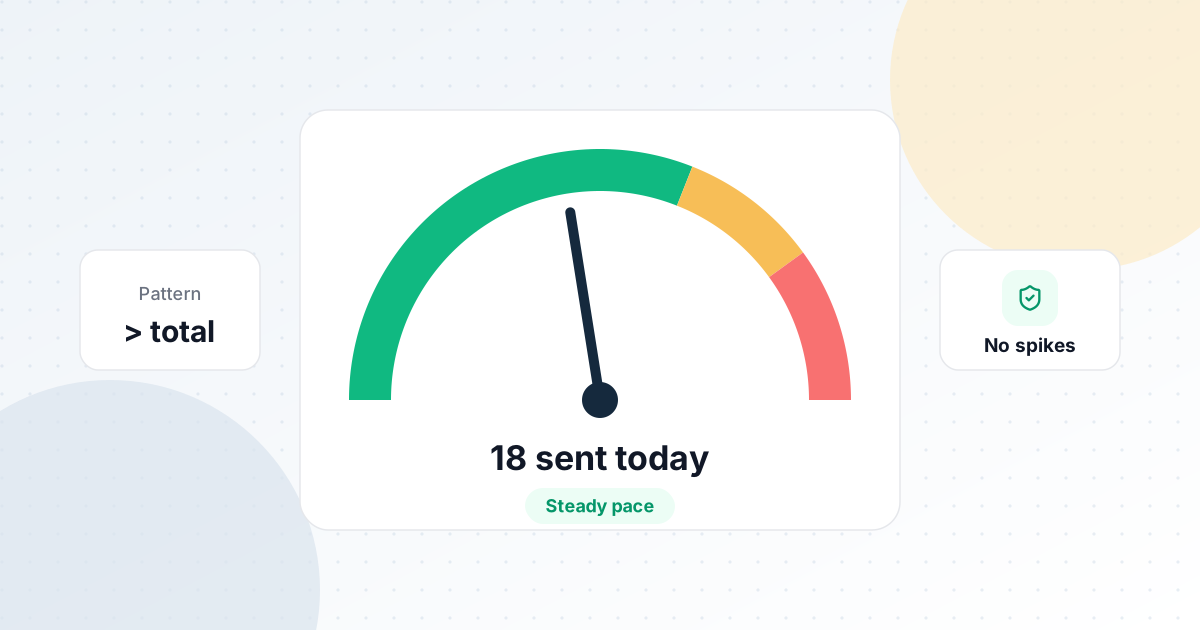
- Spread, not just volume. The same number of requests fired evenly across your active hours reads very differently than the same number fired in one 20-minute burst.
- Randomized timing. A mechanically exact interval between every request is one of the clearest automation signals, independent of how many requests you send.
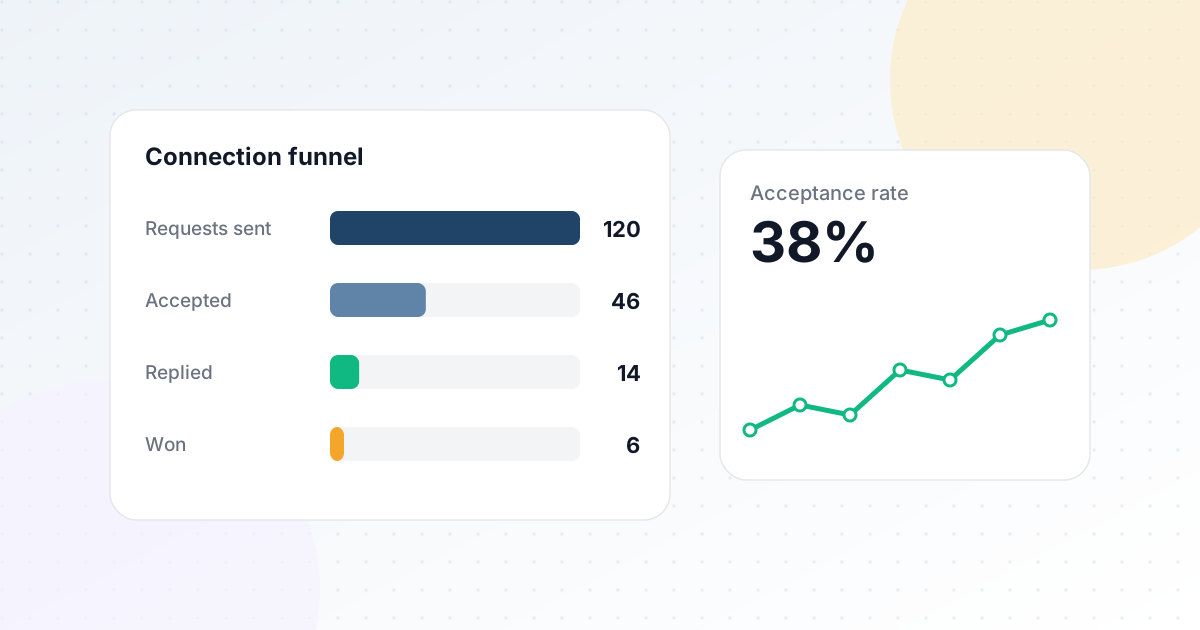
- Acceptance rate. A high volume of requests that mostly go unanswered or unaccepted is a worse signal than a smaller volume with a healthy acceptance rate.
- Pending invitations. Hundreds of old, never-accepted invitations sitting in your "Sent" list are a sign you're contacting people who don't want to hear from you. Keep that list from piling up.
- Account history. A brand-new account has far less headroom than one with years of normal usage behind it — ramping up gradually matters more than most people expect.
A practical ramp-up plan
If your account is new, has been quiet for months, or has never done outreach before, build up over a few weeks instead of starting at full volume:
- Week 1: about 5–10 requests a day. Focus on people you're clearly relevant to.
- Week 2: about 10–15 a day, if acceptance looks healthy and LinkedIn hasn't shown any warnings.
- Weeks 3–4: about 15–20 a day.
- After that: 20–30 a day on an active account with a healthy acceptance rate. Push higher only gradually, and only if everything above still looks good.
At every step, keep using LinkedIn normally too: read your feed, reply to messages, react to posts. An account that only ever sends invitations looks very different from one that is also clearly used by a person.
Signs you're pushing too hard
Slow down — cut your daily number roughly in half for a week or two — if you notice any of these:
- LinkedIn shows a notice that you've sent too many invitations, or asks you to enter the person's email address before connecting.
- You're asked to verify your identity or complete a security check more often than usual.
- Most of your recent requests are going unaccepted, or several people have declined them.
- Your pending invitations keep growing week after week.
None of these mean your account is lost, but they are LinkedIn telling you the current pattern isn't working.
How to get more accepts from the same volume
Raising your acceptance rate is the safest way to grow results, because it improves outcomes without sending more:
- Target 2nd-degree connections first. Shared connections make your request look familiar and are typically accepted more often than cold 3rd-degree requests.
- Be relevant. A tight lead list (right role, right industry, right location) beats a broad one. See our guide to building a LinkedIn lead list.
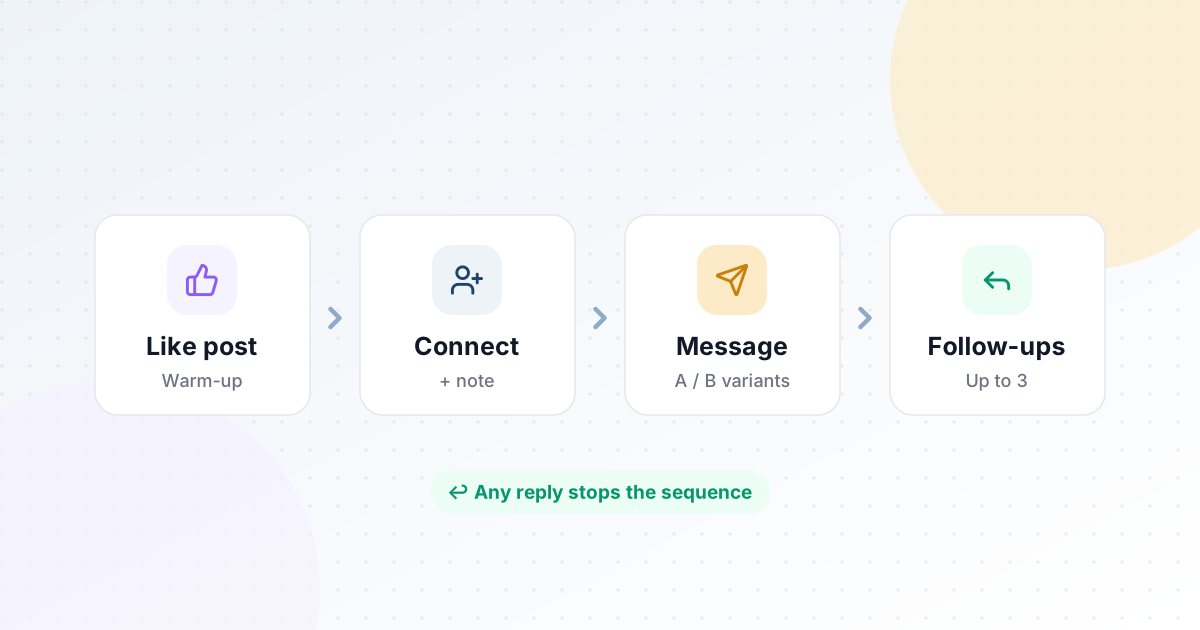
- Warm up first. Liking someone's recent post a few days before you connect means your name isn't completely new when the request arrives.
- Keep notes short and specific. One sentence about why you're connecting beats a pitch. Save the pitch for after they accept — that's what a good outreach sequence is for.
- Clean up old invitations. Withdrawing invitations that have sat unanswered for weeks keeps your pending list healthy.
Connection requests vs messages
Connection requests and messages are different actions. Messaging people who have already accepted your request is generally less sensitive than inviting strangers, which is why a typical outreach setup allows more messages than invitations per day. The same rules still apply, though: spread them out, keep them personal, and stop following up once someone replies.
How HootDM handles it
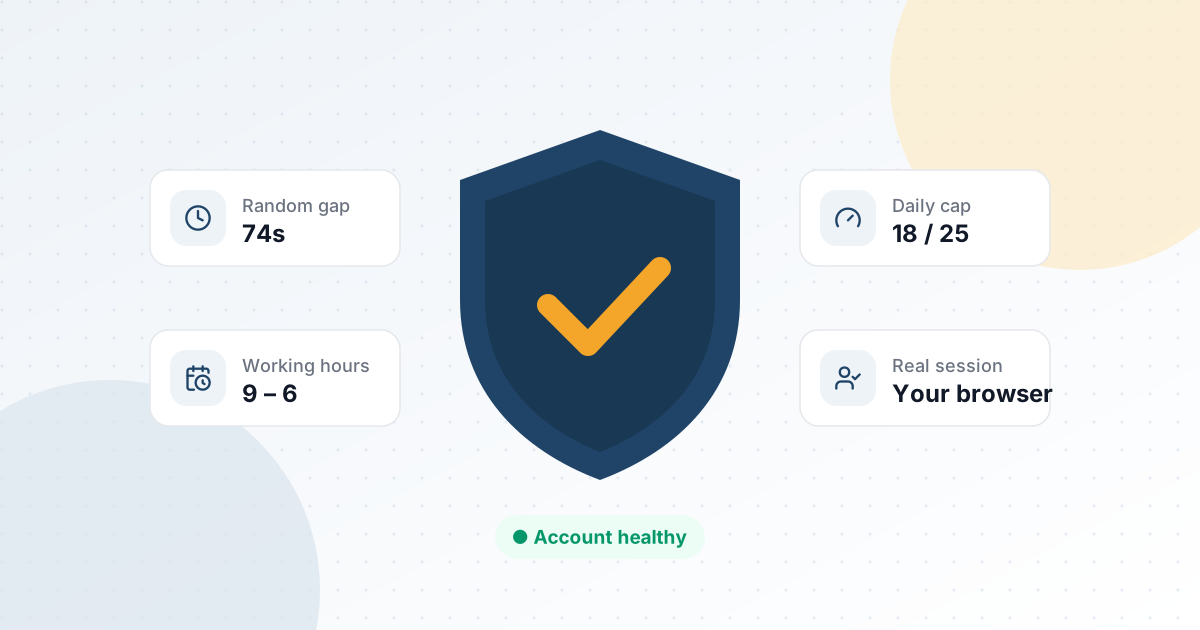
HootDM doesn't hardcode one daily limit for every account, and it doesn't let you remove the limits either. You set daily caps per action type, and HootDM paces everything inside them:
- Connection requests: 20 a day by default, adjustable from 1 to 50.
- Messages and follow-ups: 40 a day by default, adjustable from 1 to 100.
- Post likes: 20 a day by default, adjustable from 1 to 50.
Within those caps, actions only run during your working hours, in your timezone. The gap between actions adapts to the quota and time you have left that day, so requests are spread across the whole window instead of bunched together, and every gap gets randomized jitter on top so no two intervals look the same. Pacing and daily caps apply to every campaign by design — there is no setting to switch them off. Follow-ups stop automatically as soon as someone replies.
The goal isn't to find the highest number you can get away with — it's to make the pattern of activity look like a careful person, whatever that day's total ends up being. Read more on the Safety & account protection page, or see 5 ways to keep your LinkedIn account safe while automating outreach.
Common questions
What is the maximum number of connection requests per day on LinkedIn?
There is no published maximum. Users commonly report problems well before 100 a day, and the weekly limit many people run into (around 100–200 invitations) is usually the real ceiling. For most accounts, 20–30 a day spread over working hours is a sensible maximum to plan around.
Is 100 connection requests a day safe?
For most accounts, no. It's far above what most people need, it quickly runs into the weekly invitation limits many users report, and it usually comes with a lower acceptance rate. A steady 20–30 a day with good targeting typically produces more conversations over a month.
Does LinkedIn Premium or Sales Navigator raise the limit?
LinkedIn doesn't publish invitation limits for any plan, so treat claims about higher limits with caution. A paid plan gives you better search and InMail credits, but the same pacing advice applies to invitations either way.
Should I add a note to every connection request?
A short, relevant note often helps acceptance, especially for people outside your immediate network. A long, salesy note usually hurts it. If you can't write one specific sentence, a plain request to a well-targeted person is fine.
What should I do if LinkedIn says I've reached the invitation limit?
Stop sending invitations for the rest of that week, withdraw old pending invitations, and restart at a lower daily number. Use the time for activity that doesn't involve inviting strangers, like replying to conversations and engaging with posts.
Does it matter what time of day I send requests?
Sending during normal working hours, spread out over the day, matches how real people use LinkedIn. Sending everything at 3 a.m. in a few minutes does not. That's why HootDM only runs actions inside the working hours you set.