4 ways to build a LinkedIn lead list without a separate scraping tool
The HootDM team · 8 min read
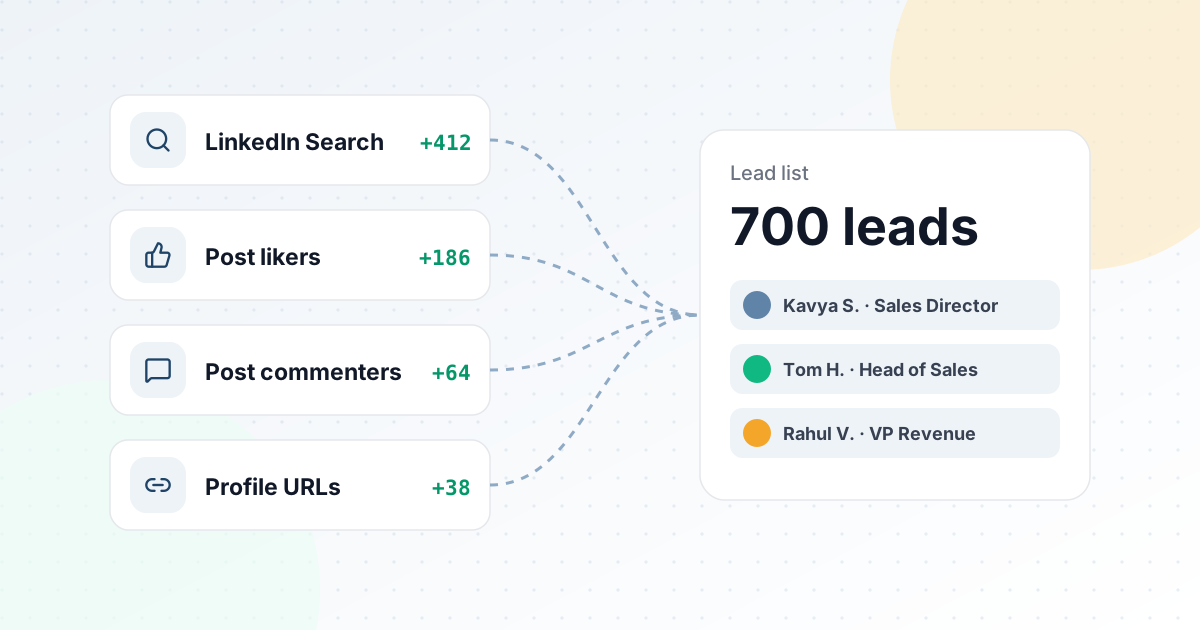
Before a single connection request goes out, every LinkedIn outreach campaign starts with the same question: who exactly are you trying to reach? Most people answer it manually — scrolling LinkedIn search results, copying names into a spreadsheet, cross-checking who they've already messaged. It works, but it's the slowest, most error-prone part of the whole process. Here are four ways to build a qualified lead list, and when each one actually makes sense.
1. LinkedIn Search — for tightly targeted cold outbound
Search-based sourcing starts from a keyword and narrows it down with a job title, a location, and connection degree. This is the right tool when you already know exactly who you're targeting — founders of digital marketing agencies in Bangalore, for example: keyword "digital marketing agency", title "Founder", location Bangalore. The advantage is precision: one short keyword plus one title keeps the list tight, while a long list of keywords in one box usually returns nothing useful.
The trade-off is that search-sourced leads are cold by definition — they haven't shown any prior interest in you or your content, so acceptance rates on search lists tend to run lower than warmer sources.
2. Post Likers — for warm, low-cost outreach
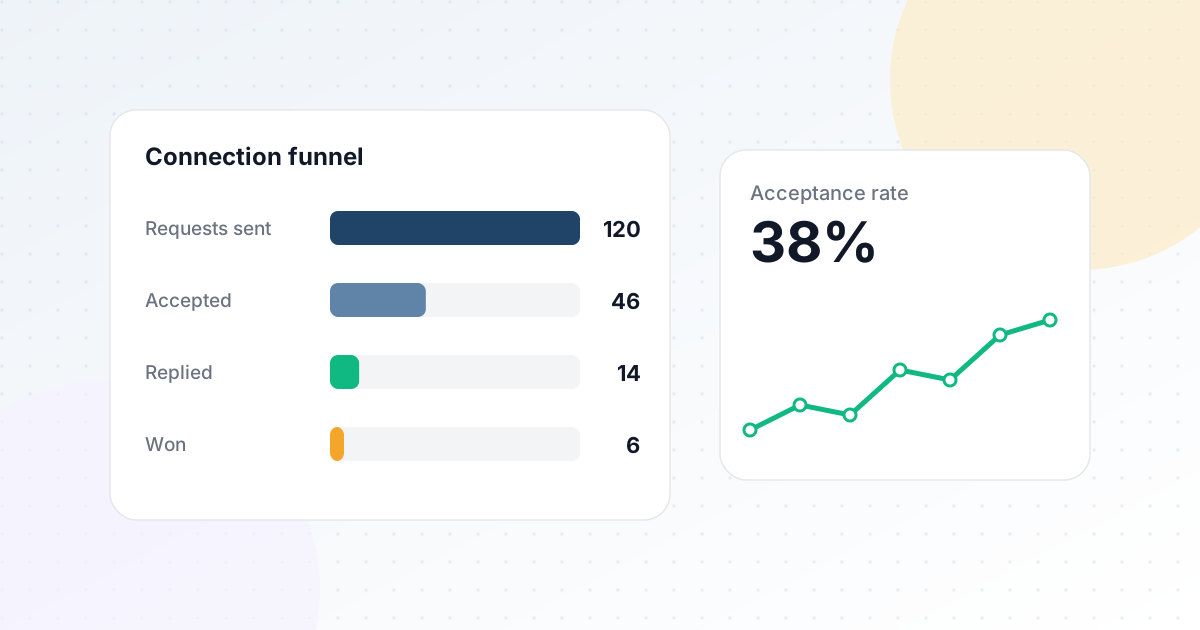
Anyone who liked a LinkedIn post has already raised their hand, at least a little. Sourcing leads from the people who liked a relevant post — a competitor's product announcement, an industry discussion, a piece of content adjacent to what you sell — gives you a list that's pre-qualified by interest rather than just by job title. This tends to produce meaningfully higher connection-acceptance rates than a cold search list of similar size.
The catch: you need a post to source from, and the quality of your list depends entirely on how relevant that post's audience actually is to your offer. A post about a topic tangential to what you sell will produce a list that looks warm but converts like a cold one.
3. Post Commenters — a stronger signal than a like
Commenting takes more effort than liking, so a commenter list is generally an even stronger intent signal than a likers list. If someone took the time to write a thoughtful comment on a post about a problem you solve, they've told you something real about what they care about — which gives you a genuine hook for your opening message beyond a generic "saw your profile."
4. Profile URLs — when you already know who matters
Sometimes you don't need a source at all — you already know exactly who you want to reach, whether it's a hand-picked target account list, attendees from a conference, or referrals from your network. Pasting profile URLs directly skips the search step entirely and lets you build a precise, pre-vetted list in minutes.
This is usually the highest-effort-per-lead approach, which makes it best suited to smaller, high-value lists rather than volume outbound.
Which source should you actually use?
- Cold outbound at scale — LinkedIn Search, filtered tightly by title and location.
- Warm re-engagement — Post Likers or Post Commenters on content relevant to your offer.
- Targeted, high-value accounts — Profile URLs, when you already know exactly who matters.
- Recruiting or candidate outreach — LinkedIn Search, filtered by title and location the same way a sales use case would target buyers.
Most effective outreach programs don't rely on a single source — they mix a steady stream of search-based cold outbound with periodic warm bursts sourced from high-engagement posts, so the pipeline isn't purely cold or purely reactive.
Whatever the source, the sequence should stay the same
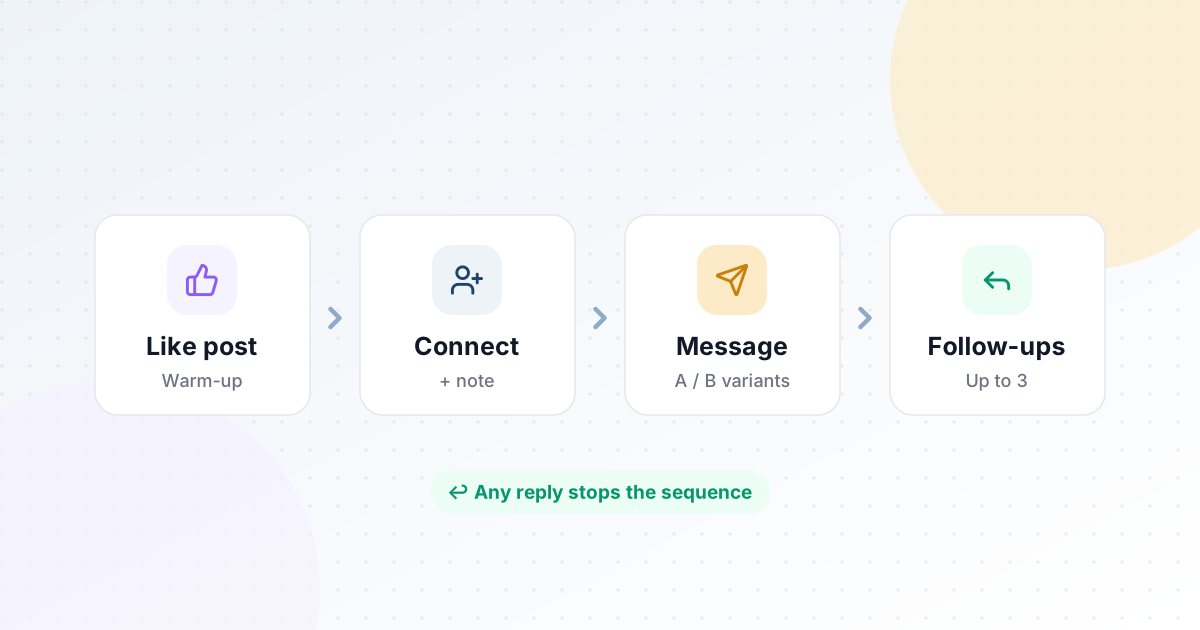
However a lead enters your list, what happens next shouldn't change based on where they came from. HootDM feeds every source — search, post likers, post commenters, and profile URLs — into the same campaign sequence, so you're not maintaining separate workflows per source. See the full breakdown on the Lead Sourcing feature page.