%20scale(1)'%3e%3cpath%20d='M42%2024%20L78%2024%20L98%208%20L104%2042%20L104%2070%20Q104%2094%2080%2094%20L46%2094%20L20%20112%20L26%2090%20Q16%2084%2016%2068%20L16%2042%20L22%208%20Z'%20fill='%2315293D'%20stroke='%2315293D'%20stroke-width='8'%20stroke-linejoin='round'/%3e%3ccircle%20cx='43'%20cy='55'%20r='17'%20fill='%23FFFFFF'/%3e%3ccircle%20cx='77'%20cy='55'%20r='17'%20fill='%23FFFFFF'/%3e%3ccircle%20cx='45'%20cy='56'%20r='11'%20fill='%23F4A62A'/%3e%3ccircle%20cx='75'%20cy='56'%20r='11'%20fill='%23F4A62A'/%3e%3ccircle%20cx='46'%20cy='56'%20r='5.5'%20fill='%2315293D'/%3e%3ccircle%20cx='74'%20cy='56'%20r='5.5'%20fill='%2315293D'/%3e%3cpath%20d='M54%2072%20L66%2072%20L60%2082%20Z'%20fill='%23F4A62A'%20stroke='%23F4A62A'%20stroke-width='3'%20stroke-linejoin='round'/%3e%3c/g%3e%3cg%20transform='translate(156%20107.3)'%3e%3cpath%20d='M22.30%200L6.20%200L6.20-72L22.30-72L22.30-55.50Q22.30-53.50%2022.15-51.35Q22-49.20%2021.65-46.95Q21.30-44.70%2020.95-42.40Q20.60-40.10%2020.10-37.90L22.50-37.90Q23.90-42.80%2026-46.45Q28.10-50.10%2031.50-52.15Q34.90-54.20%2040.20-54.20Q49.60-54.20%2054.25-47.65Q58.90-41.10%2058.90-27.50L58.90%200L42.70%200L42.70-24.80Q42.70-32.90%2040.35-36.95Q38-41%2033.20-41Q29.50-41%2027.10-38.70Q24.70-36.40%2023.50-32.55Q22.30-28.70%2022.30-24M91.30%201.40Q83.30%201.40%2077.15-1.70Q71-4.80%2067.50-11Q64-17.20%2064-26.50Q64-35.80%2067.50-41.95Q71-48.10%2077.20-51.15Q83.40-54.20%2091.40-54.20Q99.40-54.20%20105.60-51.10Q111.80-48%20115.30-41.85Q118.80-35.70%20118.80-26.40Q118.80-16.90%20115.20-10.70Q111.60-4.50%20105.35-1.55Q99.10%201.40%2091.30%201.40M91.80-10.30Q95.40-10.30%2097.80-11.95Q100.20-13.60%20101.40-17Q102.60-20.40%20102.60-25.40Q102.60-30.70%20101.30-34.35Q100-38%2097.45-39.95Q94.90-41.90%2090.90-41.90Q87.50-41.90%2085.05-40.25Q82.60-38.60%2081.40-35.20Q80.20-31.80%2080.20-26.70Q80.20-18.50%2083.25-14.40Q86.30-10.30%2091.80-10.30M149%201.40Q141%201.40%20134.85-1.70Q128.70-4.80%20125.20-11Q121.70-17.20%20121.70-26.50Q121.70-35.80%20125.20-41.95Q128.70-48.10%20134.90-51.15Q141.10-54.20%20149.10-54.20Q157.10-54.20%20163.30-51.10Q169.50-48%20173-41.85Q176.50-35.70%20176.50-26.40Q176.50-16.90%20172.90-10.70Q169.30-4.50%20163.05-1.55Q156.80%201.40%20149%201.40M149.50-10.30Q153.10-10.30%20155.50-11.95Q157.90-13.60%20159.10-17Q160.30-20.40%20160.30-25.40Q160.30-30.70%20159-34.35Q157.70-38%20155.15-39.95Q152.60-41.90%20148.60-41.90Q145.20-41.90%20142.75-40.25Q140.30-38.60%20139.10-35.20Q137.90-31.80%20137.90-26.70Q137.90-18.50%20140.95-14.40Q144-10.30%20149.50-10.30M203%201.30Q193.70%201.30%20189.30-3.65Q184.90-8.60%20184.90-19.50L184.90-40.20L177.40-40.20L177.70-52.70L183.10-52.70Q186.30-52.80%20187.95-53.70Q189.60-54.60%20190-57.10L191.30-64.50L200.40-64.50L200.40-52.80L213.10-52.80L213.10-39.70L200.40-39.70L200.40-20.20Q200.40-16.80%20202.05-15.20Q203.70-13.60%20207.10-13.60Q209-13.60%20210.70-14Q212.40-14.40%20213.50-15.10L213.50-0.20Q210.30%200.80%20207.65%201.05Q205%201.30%20203%201.30'%20fill='%2315293D'/%3e%3cpath%20d='M247.30%200L220.20%200L220.20-66L244.20-66Q256.50-66%20264.30-62.10Q272.10-58.20%20275.70-50.95Q279.30-43.70%20279.30-33.60Q279.30-25.80%20277.45-20.10Q275.60-14.40%20272.40-10.55Q269.20-6.70%20265.05-4.35Q260.90-2%20256.35-1Q251.80%200%20247.30%200M244.80-53L236.30-53L236.30-13L246.80-13Q252-13%20255.50-15.20Q259-17.40%20260.75-21.80Q262.50-26.20%20262.50-32.80Q262.50-38.10%20261.40-41.90Q260.30-45.70%20258.15-48.15Q256-50.60%20252.65-51.80Q249.30-53%20244.80-53M302.20%200L287.20%200L287.20-66L311.30-66L328.50-18.50L329-18.50L345.80-66L368.80-66L368.80%200L353.60%200L354.50-49.60L353.40-49.60L334.30%200L321.10%200L302.40-49.60L301.30-49.60'%20fill='%23C97F0A'/%3e%3c/g%3e%3c/svg%3e)
5 ways to keep your LinkedIn account safe while automating outreach
The HootDM team · 7 min read
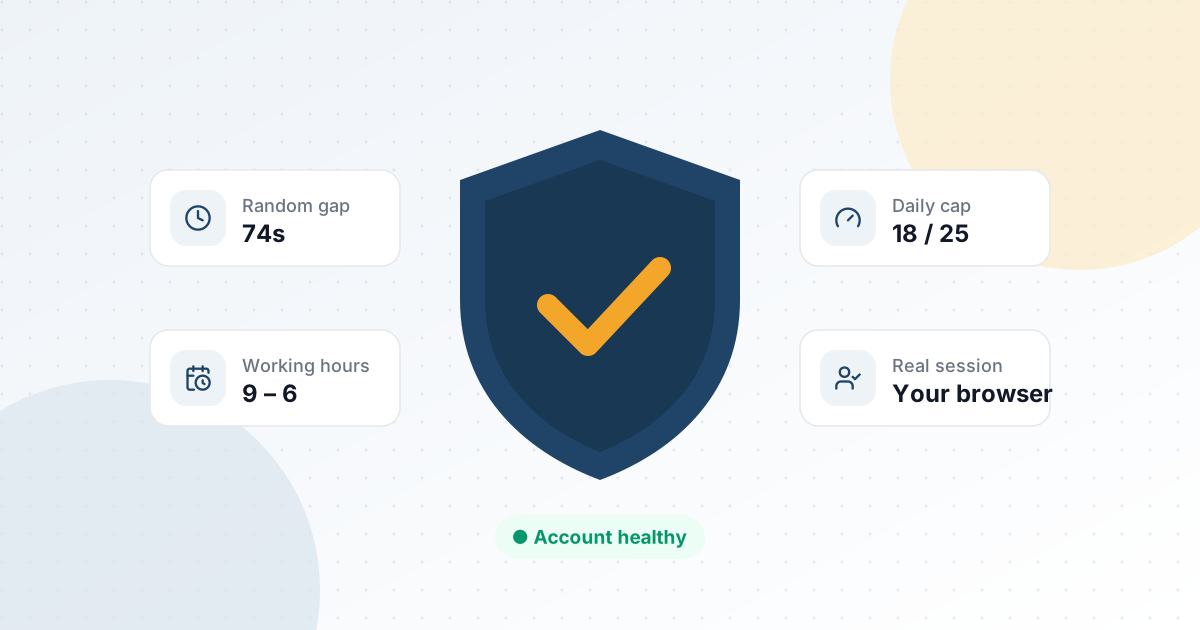
Every LinkedIn automation tool promises more meetings. Almost none of them talk about the thing that actually determines whether you get to keep sending them: the health of your account. Restrictions and temporary blocks don't happen because you automated something — they happen because the pattern of activity looked automated. Here's what actually moves the needle.
1. Pace like a person, not a script
The single biggest tell isn't volume, it's rhythm. A human sending connection requests does it in short, irregular bursts — a few before lunch, a few in the evening, never on a perfectly even clock. Fixed intervals (one action every exactly 45 seconds, all day) are the easiest pattern to flag. Randomized delays between actions matter more than most people think.
What to look for in a tool
- Jitter on every delay, not just a single base interval
- Gaps that vary by action type (a like is cheaper than a connection request)
- No option to disable pacing "just this once" — that's usually the setting people regret
2. Cap your daily activity — and spread it out
A hard daily cap is necessary but not sufficient. Sending 40 connection requests in the first hour of the day and then going quiet looks just as unnatural as sending none at all. The cap needs to spread across your actual active hours, adapting as the day goes on rather than firing everything early because the quota is "available."
3. Don't run more than one campaign at a time
It's tempting to stack sequences — one for cold outbound, one for warm re-engagement, one for a specific event follow-up. Each one individually might be paced conservatively. Combined, they add up to activity levels no single careful person would produce. Treat your account's total daily activity as one shared budget, not one budget per campaign.
4. Personalize enough that replies don't reveal the pattern
Safety isn't only about send timing — it's also about what happens after. Identical opening lines sent to hundreds of people are easy to spot from the other side, and enough spam reports do more damage than any pacing rule violation. Template variants that rotate randomly, plus basic variables like first name and company, go a long way.
5. Use your own session, not a headless browser
Tools that spin up a separate automated browser instance — often on a different IP, with a different fingerprint than your normal login — introduce a second risk signal layered on top of activity volume. Automation that runs through your actual logged-in session, from your actual browser, removes that variable entirely.
The takeaway
None of this is about doing less outreach. It's about making the automated activity indistinguishable from what a careful, high-effort human would do by hand — just without you having to do it by hand. That's the entire design premise behind HootDM's safety layer.
See these safeguards running on your own account
7-day free trial. No credit card required.
Start free trial